PartyPot QR Code Room Joining: Create a room, scan a code, and start playing in seconds. Join game rooms by scanning a QR code — no account needed. Start playing in seconds. Free on iOS & Android.
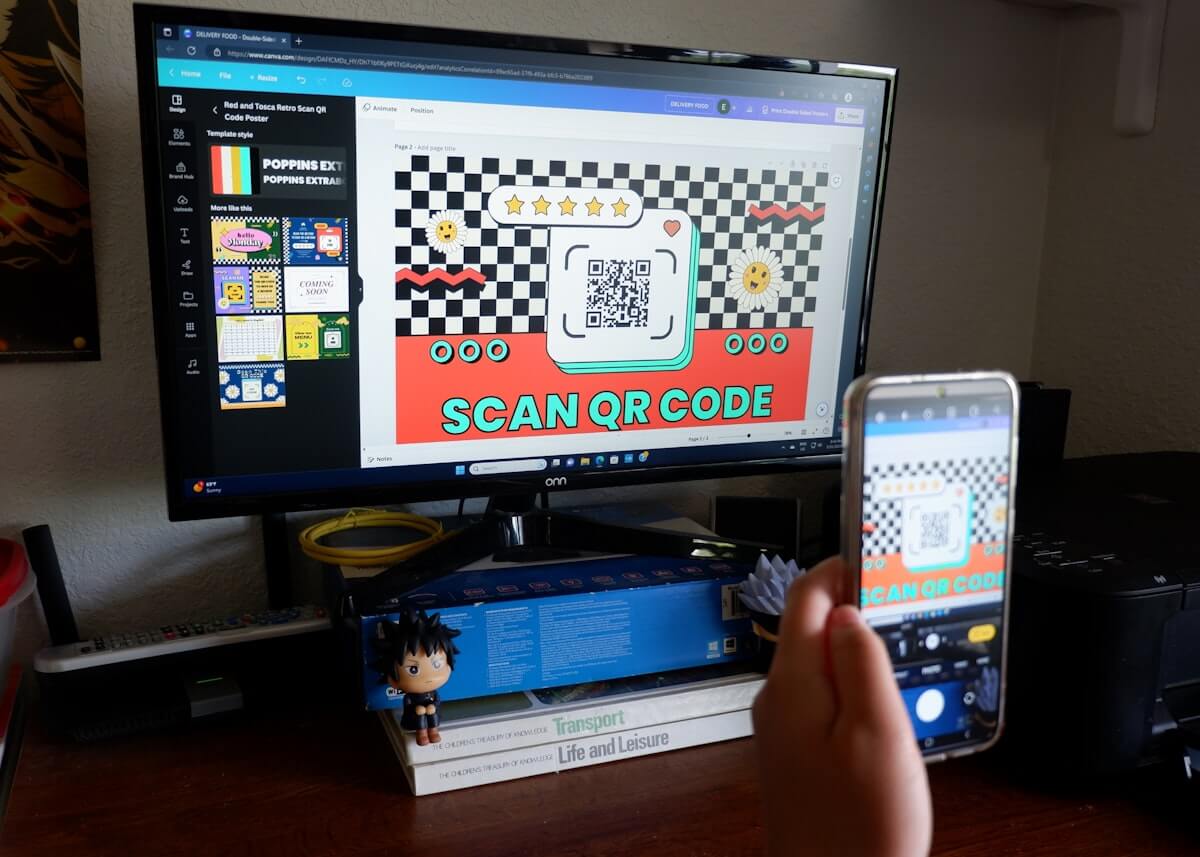
QR Code Room Joining
Create a room, scan a code, and start playing in seconds
Overview
QR Code Room Joining eliminates the biggest friction point in multiplayer apps: onboarding. There's no sign-up, no login, no friend requests, no waiting. The host creates a room and shows the QR code — players scan it with their phone camera and they're in. For players who can't scan (older devices, distance), a 6-digit room code works the same way. The entire process takes under 10 seconds from "let's play" to "everyone's in."
How It Works
Host Creates Room
Tap "New Room" in PartyPot. A unique QR code and 6-digit room code are generated instantly.
Share the Code
Show the QR code on your phone screen, or share the 6-digit code verbally or via message.
Players Scan & Join
Players open PartyPot and scan the QR code, or tap "Join Room" and enter the 6-digit code. No account required.
Everyone's Connected
All players are instantly in the room with Real-Time Sync. Set starting balances and start playing.
Why It Matters
No Account Required
Players don't need to create an account, verify an email, or set a password. Just scan and play.
10-Second Setup
From "download the app" to "I'm in the room" takes under 10 seconds.
Works for All Ages
QR codes are universal — from tech-savvy players to uncles and aunties at CNY gatherings.
Two Joining Methods
QR code for in-person groups, 6-digit code for remote players or when QR scanning isn't convenient.
Supported Games
Frequently Asked Questions
Do players need an account?
No. Players just need the PartyPot app installed — no registration, no login, no profile setup.
Can I share the room code via WhatsApp/Telegram?
Yes! The 6-digit code works for remote joining. Players can also join rooms that aren't physically nearby.
What if the QR code doesn't scan?
Use the 6-digit room code instead. Both methods connect to the same room.
Try QR Code Room Joining Now
Download PartyPot free and experience QR Code Room Joining in your next game session. No account needed — just download, create a room, and play.
Explore Other Features
Digital Banker
Replace physical cash, chips, and IOUs with instant digital balances
Real-Time Sync
Every transaction syncs instantly across all players' devices
Smart Settlement
Calculate the minimum transfers to clear all debts — one tap
Center Pot
A shared digital pot for pot-based card games — visible to all, controlled by the host